Showing posts with label Damask Toile. Show all posts

Mar 19, 2018

"Muse"


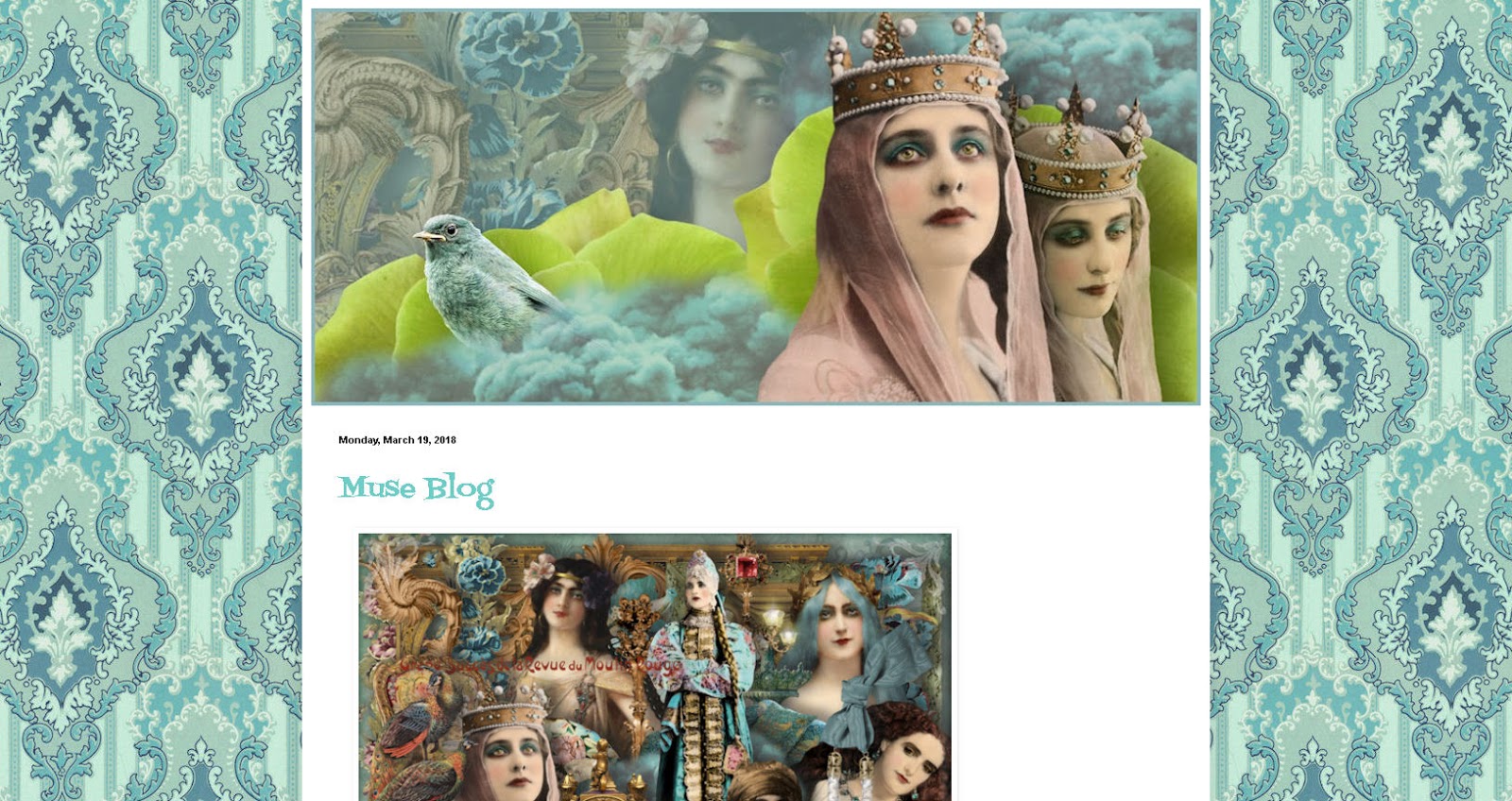
"Muse"  - background and header, they have been designed for Blogger blogs, but you can surely use them in other blogs or websites too.


To instal the header > click image > view image > save image > upload to your blog.


1. Click the image > view image > save image
2. Go to blogger template designer, upload the pattern and choose alignment up middle and tile.
3. NO scroll with page.
4. Adjust the widths if needed.
5. Go to Advanced and choose the other colors, if you like. Let your imagination flow!

"Boudoir"


"Boudoir"  - background and header, they have been designed for Blogger blogs, but you can surely use them in other blogs or websites too.


To instal the header > click image > view image > save image > upload to your blog.


1. Click the image > view image > save image
2. Go to blogger template designer, upload the pattern and choose alignment up middle and tile.
3. NO scroll with page.
4. Adjust the widths
5. Go to Advanced and choose the other colors. Let your imagination flow!

Oct 12, 2014

"Circus"


"Circus"  - background and header, they have been designed for Blogger blogs, but you can surely use them in other blogs or websites too.


To instal the header > click image > view image > save image > upload to your blog.


1. Click the image > view image > save image
2. Go to blogger template designer, upload the pattern and choose alignment up middle and tile.
3. NO scroll with page.
4. Adjust the widths
5. Go to Advanced and choose the other colors. Let your imagination flow!


Nov 29, 2013

Pretty CooL Blogger Background and Header

Pretty CooL - background and header, they have been designed for Blogger blogs, but you can surely use them in other blogs or websites too.


To instal the header > click image > view image > save image > upload to your blog.


1. Click the image > view image > save image
2. Go to blogger template designer, upload the pattern and choose alignment up middle and tile.
3. NO scroll with page.
4. Adjust the widths
5. Go to Advanced and choose the other colors. Let your imagination flow!


Aug 16, 2012

Dark Damask Background patterns


The Collection of Dark Damask Patterns for the new Blogger templates. You can download the patterns here. (There is an arrow on the lower right corner of every page to download the file).

1. Download your chosen pattern, or if you like, you can surely download as many you like.
2. To install the background pattern go to "Design" > "Customize" > "Templates"
3. Choose the template, I recommend "Simple"
4. Under the templates is "Background" > Click Background Image > Upload Image > pick the one you saved to your computer.
5. Alignment "up in middle" > "Tile" > and I recommend do not choose "Scroll with page"
6. Then you can choose the widths, layout and on "Advanced" you can choose the other colors. Try different options, it's fun. You can design your own unique look to your blog.
More instructions here.

Aug 6, 2012

A new pastel damask collection for the new blogger templates

Yay! Damask lovers, I have good news for you! I´m so excited about this new collection! The best part is, that you can build up your blog as you wish. You can mix and match with background colors and widths. This option is available for the new Blogger templates. This won´t work with the old Minima (sorry about that, but it might be time to change to the new era).

Above you see all the colors to choose. Pick your favorite! All you have to do is to download the pattern to your computer and then upload it to your blog. You can download the patterns here. Just click your chosen color and there is an arrow on the lower right corner to download the file.

Instructions for uploading the background you can find here.

Jul 14, 2012

01 Pink Damask Tape

This background is available only in one size. The center is 1000px wide. For uploading the image to a new blogger templates, you can download the background image here.

If you are still using the Minima template, you find the code by clicking read more.

You can download the matching Ganesha header (950 px wide) here.