Mar 19, 2018

"Muse"


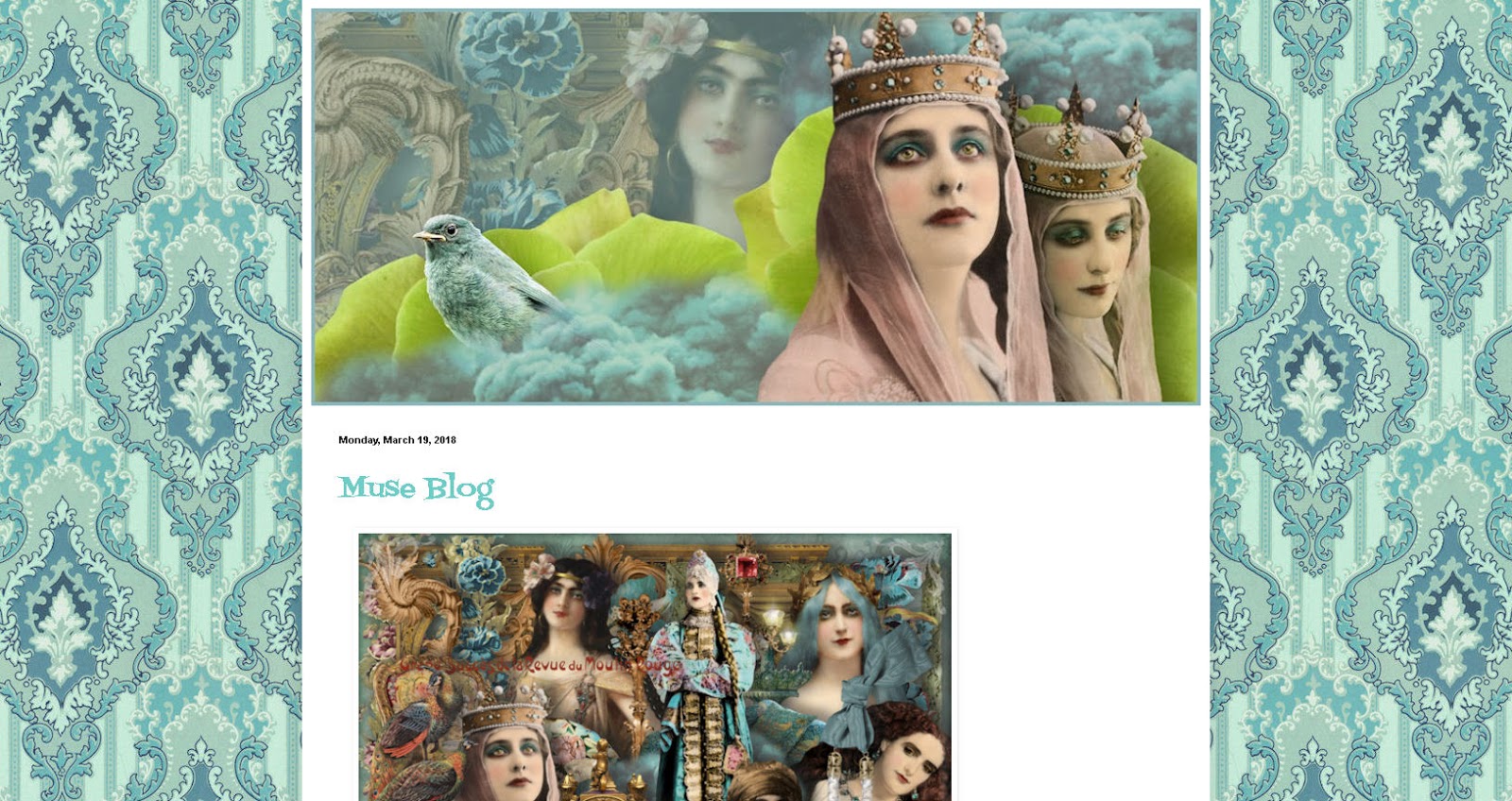
"Muse"  - background and header, they have been designed for Blogger blogs, but you can surely use them in other blogs or websites too.


To instal the header > click image > view image > save image > upload to your blog.


1. Click the image > view image > save image
2. Go to blogger template designer, upload the pattern and choose alignment up middle and tile.
3. NO scroll with page.
4. Adjust the widths if needed.
5. Go to Advanced and choose the other colors, if you like. Let your imagination flow!

"Boudoir"


"Boudoir"  - background and header, they have been designed for Blogger blogs, but you can surely use them in other blogs or websites too.


To instal the header > click image > view image > save image > upload to your blog.


1. Click the image > view image > save image
2. Go to blogger template designer, upload the pattern and choose alignment up middle and tile.
3. NO scroll with page.
4. Adjust the widths
5. Go to Advanced and choose the other colors. Let your imagination flow!

Oct 12, 2014

"Circus"


"Circus"  - background and header, they have been designed for Blogger blogs, but you can surely use them in other blogs or websites too.


To instal the header > click image > view image > save image > upload to your blog.


1. Click the image > view image > save image
2. Go to blogger template designer, upload the pattern and choose alignment up middle and tile.
3. NO scroll with page.
4. Adjust the widths
5. Go to Advanced and choose the other colors. Let your imagination flow!


Oct 11, 2014

Halloween Blog

Halloween Blog - background and header, they have been designed for Blogger blogs, but you can surely use them in other blogs or websites too.


To instal the header > click image > view image > save image > upload to your blog.

1. Click the image > view image > save image
2. Go to blogger template designer, upload the pattern and choose alignment up middle and tile.
3. NO scroll with page.
4. Adjust the widths
5. Go to Advanced and choose the other colors. Let your imagination flow!


Nov 30, 2013

Peace On Earth free Blogger Background and Header

Peace On Earth - background and header, they have been designed for Blogger blogs, but you can surely use them in other blogs or websites too.
To instal the header > click image > view image > save image > upload to your blog.


1. Click the image > view image > save image
2. Go to blogger template designer, upload the pattern and choose alignment up middle and tile.
3. NO scroll with page.
4. Adjust the widths
5. Go to Advanced and choose the other colors. Let your imagination flow!
 The background and header have been created with "Peace On Earth" Elements, "Enchanted Trail" and "Golden Brown" Kits from itKuPiLLi Imagenarium @Deviant Scrap.

Nov 29, 2013

Pretty CooL Blogger Background and Header

Pretty CooL - background and header, they have been designed for Blogger blogs, but you can surely use them in other blogs or websites too.


To instal the header > click image > view image > save image > upload to your blog.


1. Click the image > view image > save image
2. Go to blogger template designer, upload the pattern and choose alignment up middle and tile.
3. NO scroll with page.
4. Adjust the widths
5. Go to Advanced and choose the other colors. Let your imagination flow!


Aug 15, 2013

Rococo Header and Background for Blogger blogs


Rococo - background and header, they have been designed for Blogger blogs, but you can surely use them in other blogs or websites too.


To instal the header > click image > view image > save image > upload to your blog.


1. Click the image > view image > save image
2. Go to blogger template designer, upload the pattern and choose alignment up middle and tile.
3. NO scroll with page.
4. Adjust the widths
5. Go to Advanced and choose the other colors. Let your imagination flow!


Aug 6, 2013

Red Herring

Red Herring - background and header, they have been designed for Blogger blogs, but you can surely use them in other blogs or websites too.

To instal the header > click image > view image > save image > upload to your blog.


1. Click the image > view image > save image
2. Go to blogger template designer, upload the pattern and choose alignment up middle and tile.
3. NO scroll with page.
4. Adjust the widths
5. Go to Advanced and choose the other colors. Let your imagination flow!

The background and header have been created with the Red Herring and Luscious Florals Kits from itKuPiLLi Imagenarium @Deviant Scrap.


Aug 4, 2013

Mysterious Ways


Mysterious Ways - background and header, they have been designed for Blogger blogs, but you can surely use them in other blogs or websites too.

To instal the header > click image > view image > save image > upload to your blog.

 1. Click the image > view image > save image
2. Go to blogger template designer, upload the pattern and choose alignment up middle and tile.
3. NO scroll with page.
4. Adjust the widths
4. Go to Advanced and choose the other colors. Let your imagination flow!

The background and header have been created with the Enchanted Trail and Spritus Mortis kits from itKuPiLLi Imagenarium @Deviant Scrap. 


Enchanted Trail

Enchanted Trail - background and header, they have been designed for Blogger blogs, but you can surely use them in other blogs or websites too.


To instal the header  > click image > view image > save image > upload to your blog.

1. Click the image > view image > save image
2. Go to blogger template designer, upload the pattern and choose alignment up middle and tile.
3. NO scroll with page.
4. Adjust the widths
4. Go to Advanced and choose the other colors. Let your imagination flow!

The background and header have been created with the Enchanted Trail Kit from itKuPiLLi Imagenarium @Deviant Scrap.


Sep 13, 2012

More freebies...


Here is an other set of freebies, which I´m going to upload to Polyvore. But you can use these on your web site or for your personal creations too. Or use them on Polyvore. Click read more to see all of them. :)

Sep 10, 2012

Freebies

Here are some clip art images in .png format (click read more to see them all). 

Just click image > view image > save to your computer or, as I'm going to do, you can surely upload them to Polyvore.

(for your personal use or use on Polyvore)

Aug 22, 2012

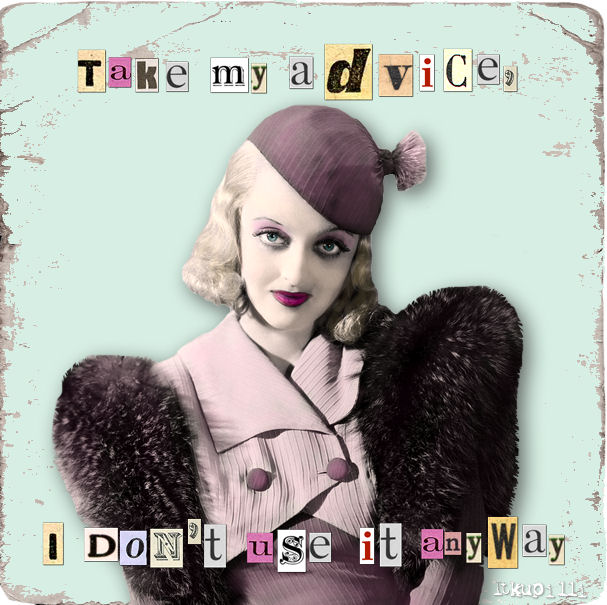
Take my advice...


Let´s share some fun! 
(This is a renewed version of the older button).
 
And here is a smaller one for sidebar, copy the code and install it into the HTML/Java Script Gadget:


<a href="http://blo64rt.blogspot.com/"><img border="0" src="http://3.bp.blogspot.com/-1zc7SkfO0Eg/UDU9m_jNpxI/AAAAAAAAV7w/8QhiLcB0BCY/s1600/xx+quotes+advice+banner.png"/></a>

Aug 17, 2012

stiLL Life...barely...a header

Still Life, barely... ready made header in .jpg format > click image > view image > save image > upload to your blog. 


Aug 16, 2012

Dark Damask Background patterns


The Collection of Dark Damask Patterns for the new Blogger templates. You can download the patterns here. (There is an arrow on the lower right corner of every page to download the file).

1. Download your chosen pattern, or if you like, you can surely download as many you like.
2. To install the background pattern go to "Design" > "Customize" > "Templates"
3. Choose the template, I recommend "Simple"
4. Under the templates is "Background" > Click Background Image > Upload Image > pick the one you saved to your computer.
5. Alignment "up in middle" > "Tile" > and I recommend do not choose "Scroll with page"
6. Then you can choose the widths, layout and on "Advanced" you can choose the other colors. Try different options, it's fun. You can design your own unique look to your blog.
More instructions here.

Aug 11, 2012

Birds and Butterflies backgrounds and headers for new blogger templates

Birds and Butterflies ~ Silver Rust

These blog sets have up-loadable background pattern, one ready made header and DIY-kit with blank header, 2 banners and some other stuff. Mix and match and create an unique look for your blog. These are suitable for new blogger templates (I used Simple-template) and many other blogs and websites.

And here we go, with 3 different color options, choose your favorite!


Aug 10, 2012

Let's share some Kick Ass Attitude!


Let´s share some Kick Ass Attitude! 

And here is a smaller one for sidebar, copy the code and install it into the HTML/Java Script Gadget:


<a href="http://blo64rt.blogspot.com/"><img border="0" src="http://4.bp.blogspot.com/-g89YRK5NG2U/UCWuuPlO8vI/AAAAAAAAGqM/qcl7tas-cjI/s1600/yy+quotes+kick+ass.png"/></a>

Granny´s Attic + edit.

Granny´s Attic background is for new blogger templates ( but I´m almost sure, that you can use that pattern also with Wordpress and Typepad blogs, if anyone knows, please tell us). Click "read more" for installing instructions.


Aug 9, 2012

DIY Shabby sidebar tags

Do it yourself! This is pretty cool set.  Above are some examples what you can do. The images are already right size for web use (they are too small for crafting and printing, sorry). For your own use on your blogs and websites only.

Below you see what you can get! Download the DIY Shabby Sidebar Tag kit and let your creativity flow!


Download png file here (click the image and there is an arrow on the right lower corner to download the image)

Download PSP file here.

Aug 8, 2012

Pastel Stripes Background Patterns


Here is my collection of the Striking Stripes Patterns for the new Blogger templates. You can download the patterns here. (There is an arrow on the lower right corner of every page to download the file).


1. Download your chosen pattern, or if you like, you can surely download as many you like.
2. To install the background pattern go to "Design" > "Customize" > "Templates"
3. Choose the template, I recommend "Simple"
4. Under the templates is "Background" > Click Background Image > Upload Image > pick the one you saved to your computer.
5. Alignment "up in middle" > "Tile" > and I recommend do not choose "Scroll with page"
6. Then you can choose the widths, layout and on "Advanced" you can choose the other colors. Try different options, it's fun. You can design your own unique look to your blog.


More instructions here.